Can’t wait to stream the massive library of magic, superheroes, and space operas available on Disney Plus? If you find yourself in a location where the service is restricted, or if you are traveling and facing the dreaded “content not available” screen, you’ve come to the right place. In this guide, we will show you how to access Disney+ regardless of your geographical coordinates.
Disney+ has evolved into one of the most dominant streaming forces on the planet, boasting a library that rivals and often surpasses its competitors. While it is currently available in over 100 countries, digital borders still exist. Whether you are dealing with a “geo-block” or simply want to ensure your subscription works while you backpack through the Himalayas, we have the solutions.
The Current State of the Disney Empire
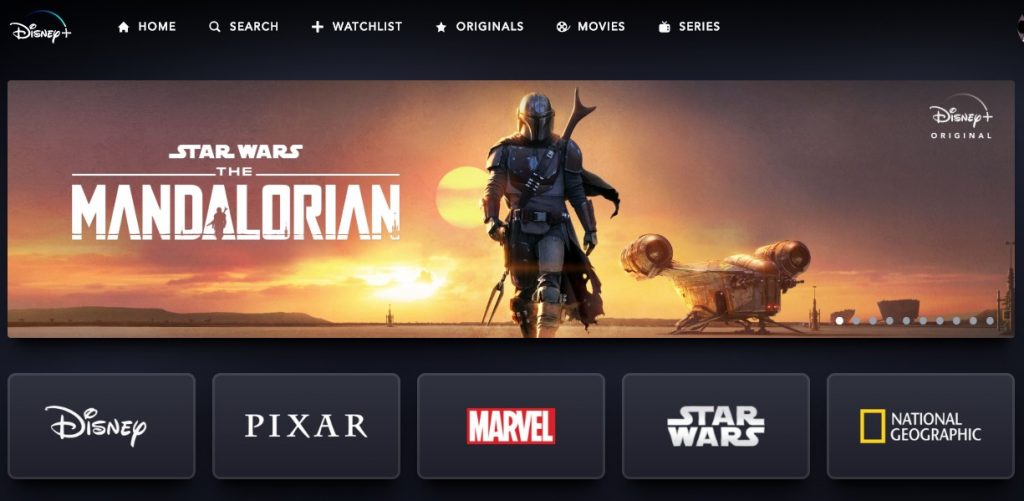
When Disney+ first launched, it was a “walled garden” available only to a handful of lucky nations like the USA and the Netherlands. Today, the House of Mouse has expanded its reach across the globe. However, licensing agreements and local regulations mean that the experience isn’t identical everywhere.
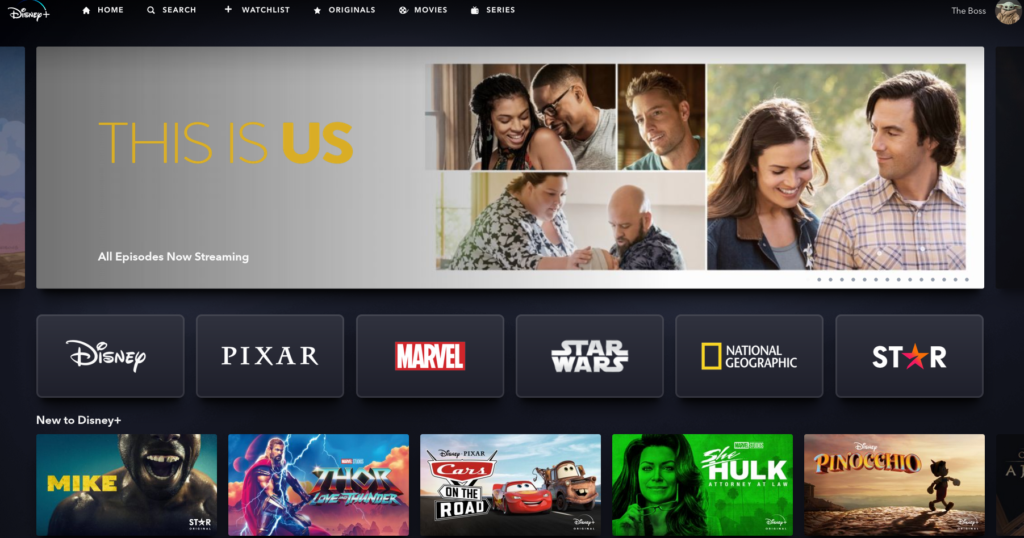
One common question is whether Disney+ functions like Netflix. If you have ever tried changing Netflix regions to access different content, you know that switching your IP address can unlock massive libraries of hidden gems. With Disney+, the regional differences are generally more subtle than Netflix, but they do exist. For instance, some regions include the “Star” brand, which offers more mature content from Hulu and 20th Century Studios, while others might have specific local productions.
Can I Use My Current Disney+ Subscription in a Different Country?
If you have an active subscription from your home country (be it the UK, Canada, or Australia) and you travel abroad, you might encounter some friction.
The Good News: Usually, your account will follow you.
The Catch: You might see a notice stating that “ratings may vary” or that certain titles are unavailable due to local licensing. Furthermore, if you travel to a country where Disney+ has not yet officially launched, the app might refuse to load altogether.
“Disney+ is Not Available in Your Region” – How to Fix It
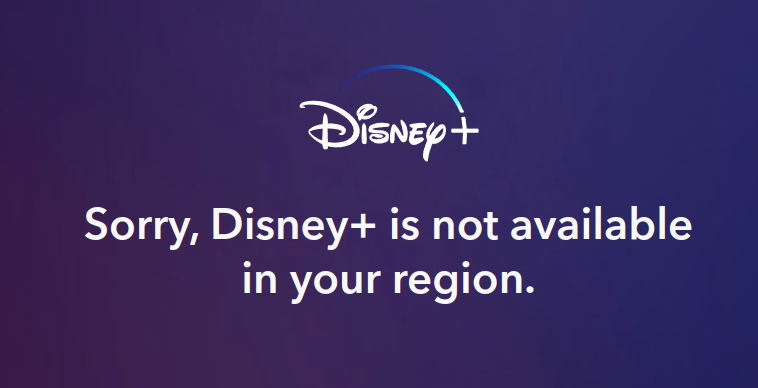
If you see the following screen, don’t panic. You haven’t been banned by Mickey himself; you are simply hitting a digital fence.
1. The Power of a VPN
To bypass these restrictions, you need a Virtual Private Network (VPN). A VPN masks your actual IP address and makes it appear as though you are browsing from a different country. This is the “secret sauce” to unlocking content globally.
However, Disney+ is notorious for its sophisticated VPN detection. Many cheap or free VPNs are blacklisted immediately. To get through, you need a provider that constantly updates its server IP addresses to stay ahead of the detection algorithms.
2. Recommended VPN Providers
Based on rigorous testing for speed, server reliability, and the ability to bypass Disney’s “Force Choke” on proxy servers, we recommend the following:
- NordVPN: Known for its massive server network and specialized obfuscated servers that make your VPN traffic look like regular web traffic.
- Surfshark: An excellent choice for families, as it allows unlimited simultaneous connections. You can protect your phone, laptop, and smart TV all at once.
Step-by-Step: How to Get Connected
Once you have chosen your provider, the process is simpler than explaining the Star Wars timeline:
- Install the App: Download the VPN client onto your preferred device (Windows, macOS, Android, iOS, or even Amazon Fire Stick).
- Select a Server: Connect to a server in a country where Disney+ is fully operational (e.g., USA, Netherlands, or Japan).
- Clear Cache: If you are using a browser, it’s a good idea to clear your cookies/cache so the site doesn’t remember your old location.
- Login and Stream: Head over to the official Disney+ website or open the app.
What if I Don’t Have an Account Yet?
Signing up from a restricted region is the “Boss Level” of streaming. Disney+ usually requires a payment method issued in the country you are trying to register in. If your local credit card is being rejected, here are two workarounds:
- Virtual Credit Cards: Services like USUnlocked provide virtual cards with a US billing address, which are widely accepted by US streaming platforms.
- App Store Gift Cards: You can create a secondary Apple ID or Google Play account set to a different region, buy a digital gift card for that region (e.g., a US iTunes card), and pay for the subscription through the mobile app.
A Brief History of the Streaming Wars
Did you know that within its first 24 hours of launch, Disney+ garnered over 10 million subscribers? To put that in perspective, it took Netflix years to reach those milestones. Disney’s advantage lies in its ownership of massive franchises: Pixar, Marvel, Star Wars, and National Geographic. According to recent industry data, the platform continues to be a primary driver of the “cord-cutting” trend globally.
Frequently Asked Questions (FAQ)
Is it legal to use a VPN for Disney+?
Using a VPN is legal in most countries. However, it may technically violate Disney’s Terms of Service. While they reserve the right to block VPN IP addresses, they rarely (if ever) ban individual users for simply trying to access their paid subscription while traveling.
Why is my VPN not working with Disney+?
Disney may have identified and blocked the specific server IP you are using. Try switching to a different server within the same country or contacting your VPN’s customer support for a recommended server list.
Does Disney+ have the same content everywhere?
No. While the “Disney Originals” are available globally, third-party content or titles acquired through the Fox merger (like The Simpsons or Family Guy) may vary based on local broadcasting rights held by other TV channels or streamers.
Can I watch Disney+ for free?
Disney+ discontinued its free trial in most markets several years ago. To watch, you generally need a paid monthly or annual subscription.
Will a VPN slow down my streaming quality?
All VPNs cause a slight drop in speed due to encryption. However, premium providers like NordVPN and Surfshark are fast enough to handle 4K HDR streaming without buffering, provided your base internet connection is solid.
If you encounter any issues or have found a new trick to access your favorite shows, let us know in the comments below!


